
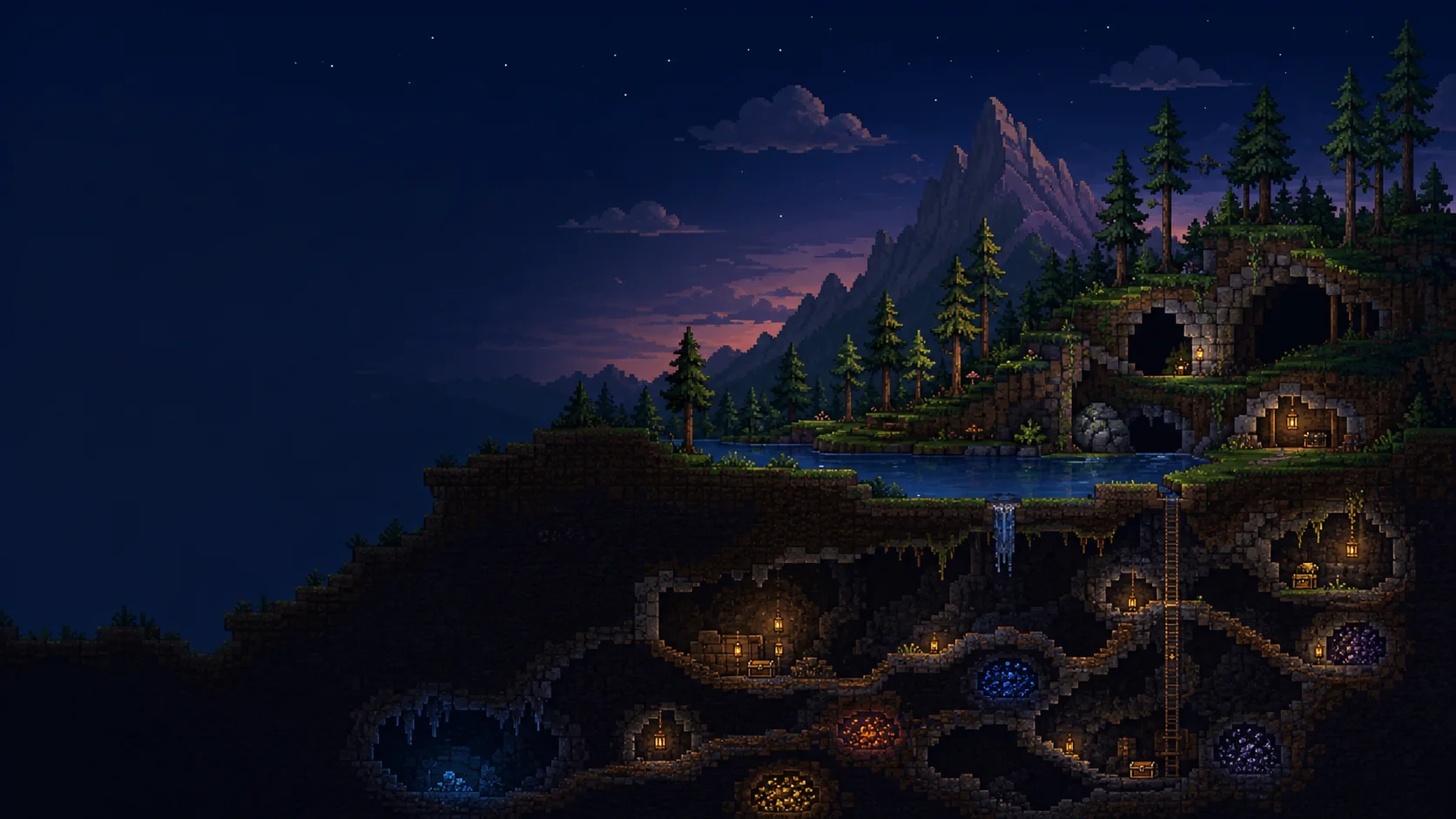
Explore the full map
Pan and zoom across the world. Select a location to see its coordinates, tiles, walls, liquids, signs, and chest contents.
Open a Terraria .wld file to explore the full world map and find chests, items, ores, NPCs, and exact coordinates.
Look inside chests, highlight items, tiles, and walls, or jump to NPCs and key locations.
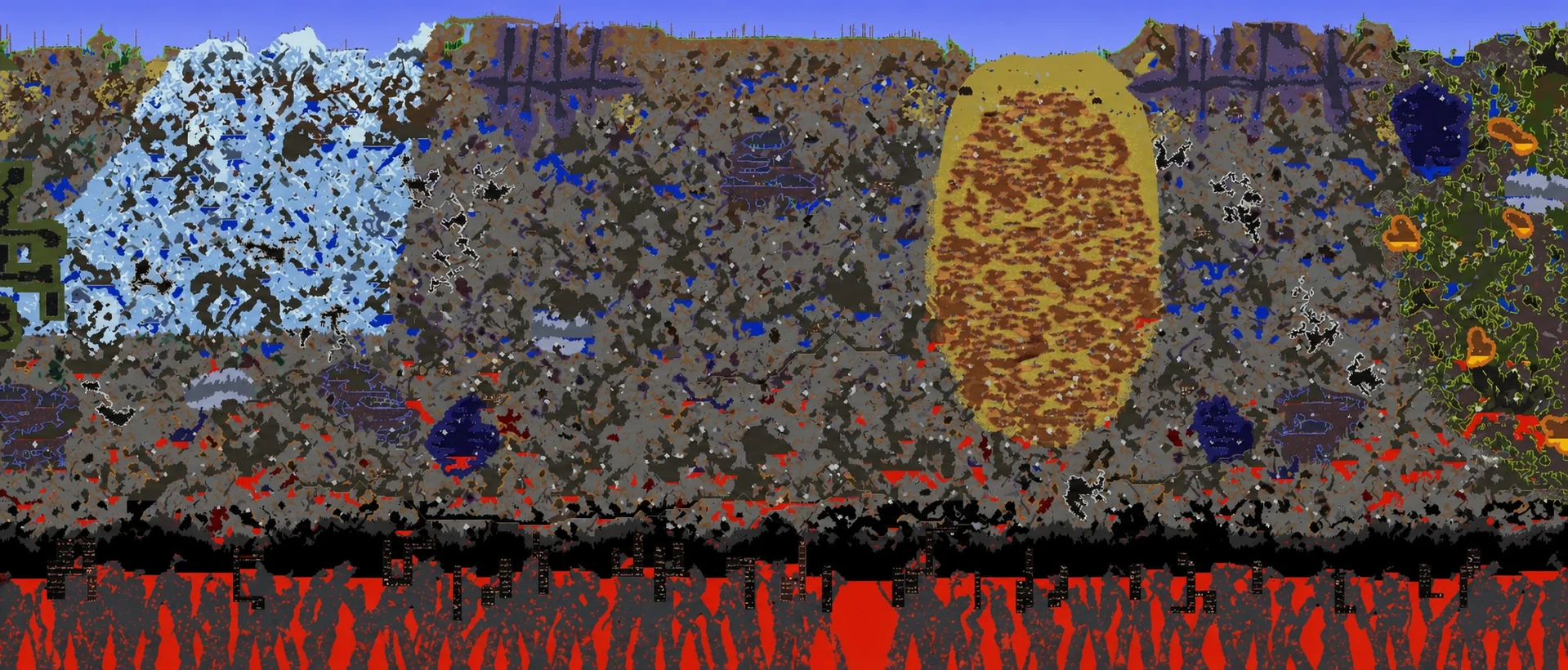
Pan and zoom across the world. Select a location to see its coordinates, tiles, walls, liquids, signs, and chest contents.
Search for an item to highlight every chest that contains it, then jump between matches.
Highlight Life Crystals, Life Fruit, enchanted items, locked chests, Spider Caves, Corruption, Crimson, and Hallow.
Go directly to spawn, the Dungeon, any NPC, or the previous and next search result.
TERRARIA 1.4.5.8
Explore seed 666687430 in a verified PC 1.4.5.8 Medium, Master, Corruption world, with a full map and chest coordinates.
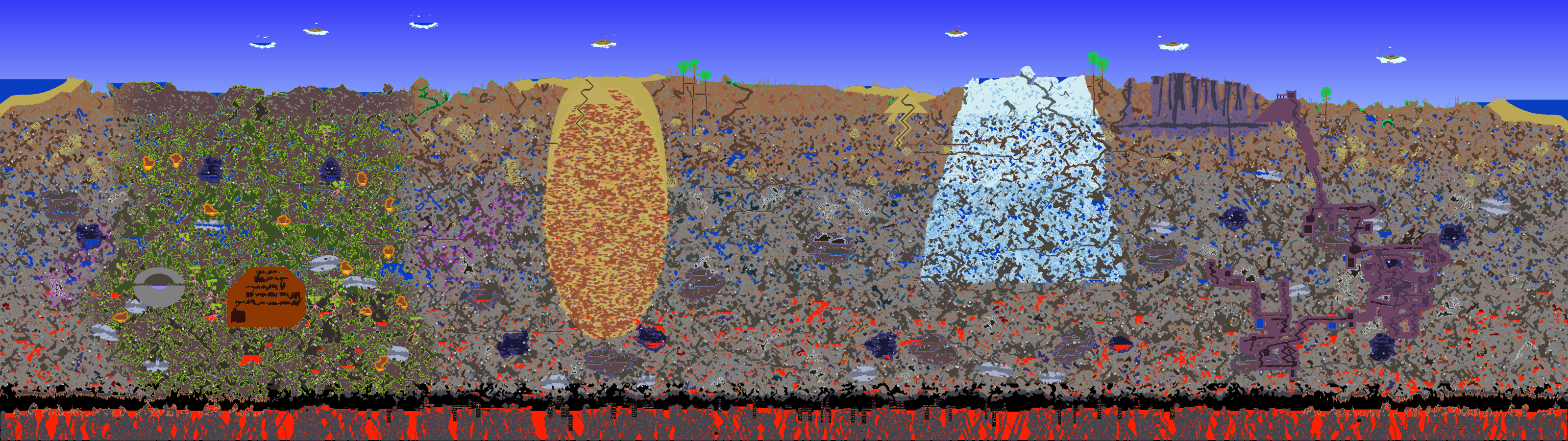 WORLD SEED6666874301.4.5.8
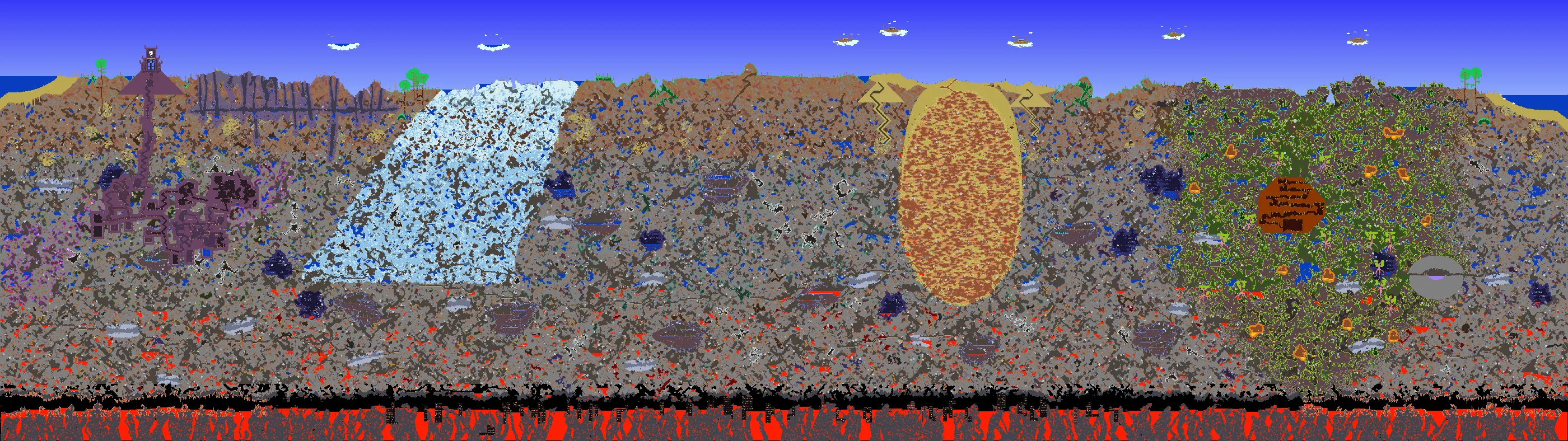
WORLD SEED39914
This seed works in Terraria 1.4.5 on PC at any difficulty, in either a Medium or Large world. It puts many hard-to-find accessories within reach, along with early-game items that make exploration and progression much smoother.
No. The selected .wld file is read and processed by your browser. It is not sent to a TerraMap server.
TerraMap opens standard Terraria .wld world files.
No. TerraMap does not read .twld mod data, so modded tiles and other mod content will not appear.
No. Open the seed in Terraria first, then choose the generated .wld file here.
Yes. You can highlight chest tiles, search items stored inside chests, inspect contents, and move between matching locations.
Use the Windows, macOS, or Linux path shown above. Steam Cloud worlds are stored under Steam/userdata/<Steam ID>/105600/remote/worlds.